
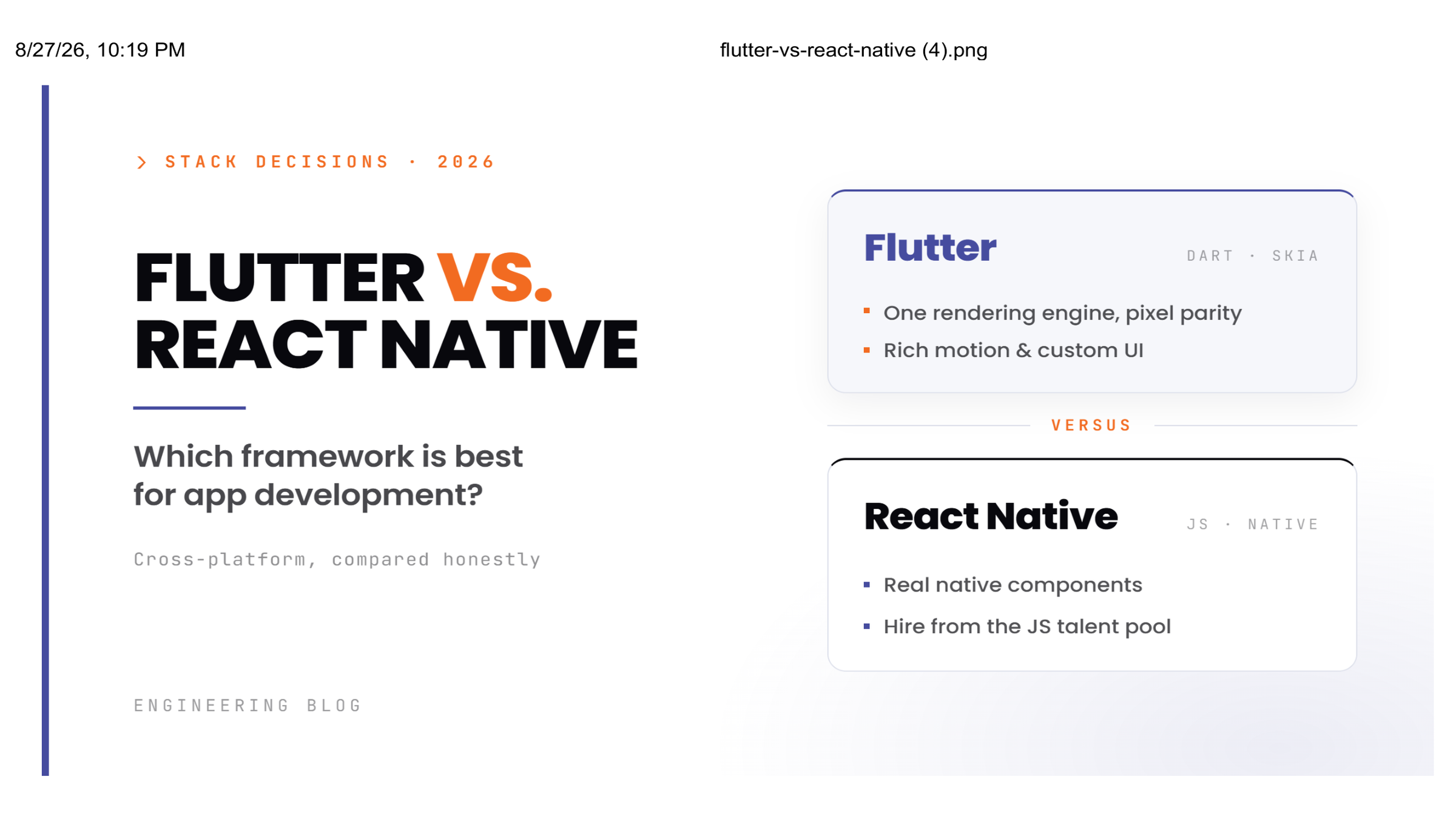
Cross-platform development stopped being a compromise years ago. A single codebase reaching both iOS and Android is now the default starting point for most new mobile products, and the real question isn't "native or cross-platform" anymore, it's Flutter or React Native.
This guide breaks down the actual difference between Flutter and React Native: how each one is built, where each one wins on performance, what each one costs to build and maintain, and which is the better fit depending on your team and product. We'll close with how to think about hiring, since the framework choice matters less than most teams assume once you factor in who's actually writing the code.
What Is Flutter?
Flutter is Google's open-source UI toolkit for building natively compiled apps for mobile, web, and desktop from one codebase. It's written in Dart, and instead of relying on each platform's native UI components, Flutter renders every pixel itself through its own graphics engine (Skia, with Impeller now rolling out as the newer renderer).
Key characteristics
- Backed and actively maintained by Google, with tight integration into Firebase and Google Cloud
- Uses Dart, a statically typed language with both ahead-of-time (AOT) and just-in-time (JIT) compilation
- Renders its own UI rather than wrapping native components, producing consistent behavior across every platform
- One codebase now reasonably covers Android, iOS, web, Windows, macOS, and Linux
- Deep widget customization, well suited to apps with strong brand-specific visual identity
What Is React Native?
React Native, built and maintained by Meta, lets developers build mobile apps using JavaScript and React. It shares React's component model and communicates with native platform APIs through native modules, historically via a JavaScript bridge, with newer architecture (Fabric, TurboModules) reducing that overhead.
Key characteristics
- Maintained by Meta, with a large, mature open-source ecosystem behind it
- Built on JavaScript and React, the same stack most web teams already know
- Uses native modules to bridge into platform-specific functionality when needed
- Extensive npm package ecosystem covering navigation, forms, state management, and more
- A shorter learning curve for teams already fluent in JavaScript or React on the web
Flutter vs. React Native: Core Differences at a Glance
| Factor | Flutter | React Native |
|---|---|---|
| Language | Dart | JavaScript / TypeScript |
| Maintained by | Meta | |
| Rendering approach | Custom rendering engine (Skia/Impeller); no native UI dependency | Native components via native modules |
| Performance | Compiles to native ARM code; strong on animation-heavy UIs | Improved with Fabric/TurboModules; still bridge-dependent for some workloads |
| Platform reach | Mobile, web, desktop from one codebase | Primarily mobile, with React Native Web for browser support |
| Testing | Unit, widget, and integration testing built into the SDK | Relies on external tools (Jest, Detox, Appium) |
| Talent pool | Smaller, growing steadily | Larger, backed by the broader JavaScript community |
| Best for | Brand-heavy UI, animation-rich apps, multi-platform reach | Teams with existing JS/React skills, fast MVP validation |
Performance: Where Each Framework Actually Wins
Flutter compiles Dart to native ARM code and renders every UI element directly through its own engine, which tends to produce smoother results in animation-heavy interfaces, custom transitions, and complex, highly interactive screens. There's no bridge layer translating between JavaScript and native code, which removes a common source of frame drops in demanding UIs.
React Native historically relied on a JavaScript bridge to talk to native modules, which could introduce latency in high-frequency interactions like fast scrolling, gesture-heavy screens, or live camera processing. The newer architecture (Fabric renderer, TurboModules) has meaningfully closed that gap, and for the majority of business apps, the practical performance difference is now smaller than it was a few years ago.
The realistic takeaway: for apps built around heavy animation, custom UI, or advanced real-time interactivity, Flutter tends to have the edge. For most standard business apps, CRUD-heavy tools, content apps, and typical e-commerce flows, both frameworks perform well, and implementation quality matters more than the framework itself.
Pros and Cons of Flutter
Pros
- Consistent, pixel-perfect UI across every platform, since nothing is left to OEM-specific rendering
- Strong built-in testing tooling, without needing to assemble a third-party stack
- Hot Reload speeds up iteration meaningfully during active development
- Full design control, useful for brand-heavy or highly custom interfaces
Cons
- Dart has a smaller talent pool than JavaScript, which can affect hiring timelines in some markets
- App binary sizes tend to run larger due to Flutter's bundled rendering engine
- Some third-party plugins are less battle-tested than React Native's longer-established ecosystem
Pros and Cons of React Native
Pros
- Built on JavaScript, the most widely known language among app and web developers, which widens the hiring pool
- Large plugin ecosystem covering most common app functionality out of the box
- Familiar to teams already building with React on the web, shortening onboarding
- Proven at scale inside major production apps
Cons
- The native bridge (even with Fabric/TurboModules improvements) can still introduce friction in highly animation-heavy or real-time-intensive apps
- Heavier reliance on third-party libraries for core functionality, some of which see inconsistent long-term maintenance
- UI can behave slightly differently across platforms unless deliberately normalized, adding QA overhead
Development Cost: Flutter vs. React Native
Cost is driven far more by app complexity, feature scope, and team seniority than by the framework itself. As a general shape:
- Simple apps (an MVP, an internal tool, a basic proof of concept) tend to land in a comparable range for either framework, with cost driven mainly by feature count, not the underlying tech.
- Mid-complexity apps (e-commerce, booking platforms, social or community features) cost more with either framework primarily due to integrations, backend complexity, and custom UI work, not a fundamental cost gap between Dart and JavaScript.
- Enterprise-grade or highly custom apps (real-time features, offline-first architecture, advanced animation, deep native integrations) scale up in cost based on architectural complexity regardless of framework choice.
Where a real cost difference does show up: Dart developers can command a modest premium in some markets due to a smaller talent pool, while React Native's JavaScript-based hiring pool is deeper and often easier to scale quickly. Over the life of an app, Flutter's more unified tooling and lower UI-inconsistency rate can reduce long-term maintenance cost, while React Native's larger community can mean faster fixes when something in the ecosystem breaks.
The honest answer: get a written estimate against your actual feature list from a team that builds both, rather than trying to reverse-engineer a generic cost table into your specific project.
When to Choose Flutter
Flutter is the stronger choice when:
- Your app leans heavily on custom UI, branding, or animation
- You want one codebase to eventually reach mobile, web, and desktop
- UI consistency across every device matters more than minimizing onboarding time for existing JS developers
- You're building something visually complex: fintech dashboards, media-rich apps, or products where design precision is a competitive differentiator
When to Choose React Native
React Native is the stronger choice when:
- Your team already has strong JavaScript/React expertise
- You're validating an MVP quickly and want to move fast with familiar tooling
- Your app is closer to standard business functionality than custom, animation-heavy UI
- You want the flexibility of a very large plugin ecosystem for common features
Testing and Long-Term Maintenance
Flutter ships with unit, widget, and integration testing built directly into its SDK, which tends to simplify CI/CD setup and keeps the testing workflow consistent across the team. React Native typically requires assembling a toolchain (commonly Jest for unit tests, Detox or Appium for end-to-end testing), which offers flexibility but adds setup and coordination overhead, particularly on larger teams.
For long-term maintenance, Flutter's single rendering engine tends to produce fewer platform-specific UI bugs over time. React Native's dependency on native modules and third-party packages means staying current with library updates is a more ongoing task, though its larger community generally means faster community-driven fixes when issues surface.
Real-World Use: Who's Building With What
Both frameworks power major production apps today. Flutter has been adopted by companies like Alibaba and eBay Motors for apps that lean on rich, consistent UI across markets and device profiles. React Native has powered parts of Instagram and Facebook, chosen for its ability to unify development across a JavaScript-heavy engineering organization. Neither framework is a fringe choice; both are proven at meaningful scale.
Difference Between Flutter and React Native: The Short Version
If you only take one thing from this comparison: Flutter renders its own UI and compiles to native code, giving it an edge in visual consistency and animation-heavy performance, while React Native leans on JavaScript, native modules, and a larger existing developer community, giving it an edge in hiring flexibility and fast iteration for teams already in the JS ecosystem. Neither is universally "better." The right choice depends on your product's UI demands, your team's existing skills, and your platform reach goals.
Choosing the Right Development Partner Matters More Than the Framework
A well-executed React Native app will outperform a poorly built Flutter app, and vice versa. Once you've picked a framework, the decision that actually determines your outcome is who builds it: a team with real production experience in that framework, solid testing discipline, and a track record of shipping to app stores, not just demos.
Build With Xorora: Flutter and React Native Development
Looking to hire flutter app developer talent that can also own the backend? Xorora builds mobile apps in both Flutter and React Native in-house, which means the framework recommendation you get isn't shaped by which one the team happens to specialize in. Our mobile and custom app development work covers Dart-based Flutter apps, React Native builds using native modules and Expo, and Firebase integration for authentication, real-time data, and push notifications across either stack.
Because our engineers work across both frameworks regularly, the recommendation you get is based on your actual product requirements, UI complexity, team skillset, and platform reach, not a default answer. You can see examples of our mobile and full-stack work in our portfolio. Xorora also builds the backend, APIs, and AI/ML layers that sit behind most modern apps, so mobile development doesn't end at the UI layer; it's handled as part of a complete product.
If you're trying to find the best Flutter app development company for a brand-heavy, animation-rich product, or you want to hire a Flutter app developer or React Native engineer who can also own the backend and API layer, get in touchfor a scoping conversation and a written estimate against your actual feature list. Teams that already have in-house mobile developers and just need to add Flutter or React Native capacity can also use Xorora's staff augmentation model instead of a full project handoff.
Frequently Asked Questions
Q1: What is the main difference between Flutter and React Native?
Flutter renders its own UI using a custom graphics engine and compiles Dart to native code, producing highly consistent visuals across platforms. React Native uses JavaScript and native modules to render actual native UI components, giving it a more platform-native feel out of the box with somewhat more variability across devices. The practical difference shows up most in animation-heavy UIs (Flutter's advantage) and hiring flexibility (React Native's advantage, given the larger JavaScript talent pool).
Q2: Which is faster, Flutter or React Native?
For animation-heavy, highly custom interfaces, Flutter generally performs better since it doesn't rely on a JavaScript bridge. For most standard business apps, the practical performance gap has narrowed significantly with React Native's newer architecture, and implementation quality matters more than the framework choice.
Q3: How do I choose the best Flutter app development company?
Look for a team with real, shipped Flutter apps in production, not just a portfolio of demos. Ask about their approach to testing, how they handle Firebase or backend integration, and whether they can also own the API and data layer behind the app, since most mobile products need more than just a frontend.
Q4: Should I hire a Flutter app developer or a React Native developer?
It depends on your product. If your app needs highly custom UI, heavy animation, or eventual reach into web and desktop from one codebase, lean toward Flutter. If your team already has JavaScript or React expertise, or you're prioritizing fast MVP validation with a wide plugin ecosystem, React Native is usually the better fit. A team that builds both, like Xorora, can give you an honest recommendation based on your specific project rather than steering you toward their only specialty.
Q5: Can one team build both a Flutter and a React Native version of the same app?
Yes, though most teams don't do this for a single product; it roughly doubles ongoing maintenance without a corresponding product benefit. It's more common when a company has separate legacy apps in each framework, and a dual-capable team can maintain both while planning an eventual consolidation.
Q6: Does the backend matter as much as the framework choice?
Often more. A well-built Flutter or React Native frontend still depends on a solid API layer, authentication, and data architecture behind it. Choosing a team that handles both the mobile app and its backend, rather than just the UI layer, reduces integration risk and gives you one point of accountability for the whole product.